SRM Grade Calculator for GPA & CGPA
Missing even one lecture at SRM University can lower your score, but keeping track of your classes should be easy. The SRM Grade Calculator for GPA & CGPA is a free online tool that does all the math for you in just a few seconds. Just type in your subjects, credits, and grades to see your exact GPA and CGPA instantly. You do not have to do any hard math yourself! This saves you a lot of time and shows you how well you are doing at your university. Plus, the tool helps you get better marks next time and make smarter choices about your studies.
What Is the SRM GPA Calculator?
It is your personal university helper! While the attendance tool tracks your classes, this calculator focuses entirely on your report card. It is a quick online tool that changes your letter grades into a real GPA score without any confusing math. It shows you your final result instantly, so you always know how good your marks are.
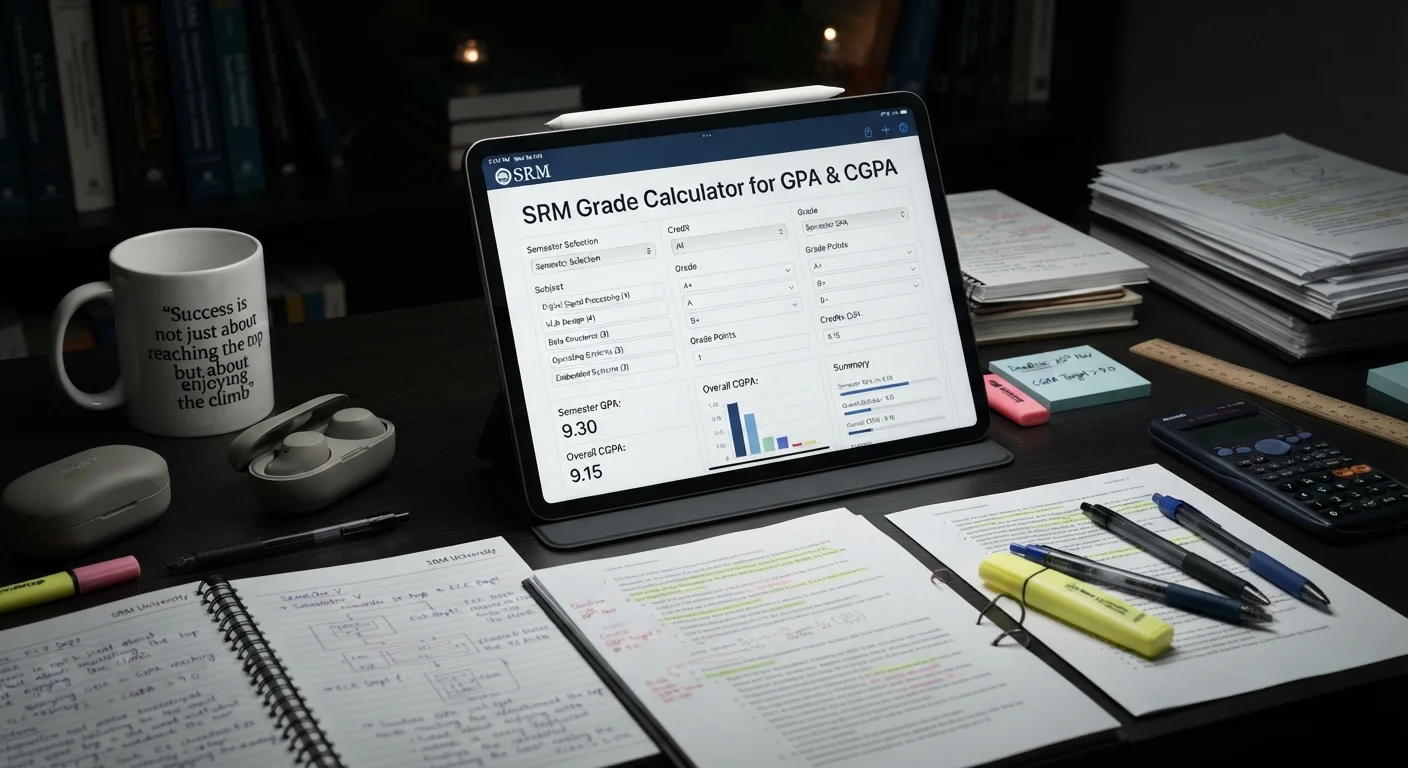
How to Use the SRM GPA Calculator?
Using this tool is very easy and shows results in a few minutes. Just follow these steps to find out your GPA:
Select Your Grade: Choose your grade for the subject from the menu.
Select Your Credits: Select the credits for that subject.
Add More Subjects: Tap the Add a Subject button to include more classes in your list.
Get Your Score: Click on the Calculate GPA button to check your final GPA quickly.
How Is SRM GPA Calculated?
Finding your GPA is very easy! The tool uses simple math to turn your letter grades into your final GPA. You do not have to do any hard counting by hand because the calculator does all the work for you.
SRM GPA Formula
The math behind this tool is very simple and easy to understand:
GPA = Total Grade Points ÷ Total Credits
- Total Grade Points: This is your subject grade converted into numbers.
- Total Credits: These are the value points given to each subject.
Example of GPA Calculation
Let’s see how the online tool calculates your score using simple numbers for 3 subjects:
-
Step 1: Check your grades and credits
- Math: Grade O (10 points), 3 credits
- Science: Grade A+ (9 points), 4 credits
- English: Grade B+ (7 points), 3 credits
-
Step 2: Multiply points by credits for each subject
- Math: 10 x 3 = 30 points
- Science: 9 x 4 = 36 points
- English: 7 x 3 = 21 points
-
Step 3: Add all the points together
- 30 + 36 + 21 = 87 Total Points
-
Step 4: Add all the credits together
- 3 + 4 + 3 = 10 Total Credits
-
Step 5: Divide the points by the credits
- 87 ÷ 10 = 8.70
Your final GPA score is 8.70.
SRM University Grading System
Your final grades and points are based on your class tests and final exams. The university changes your marks into grades and numbers. Here is how it works:
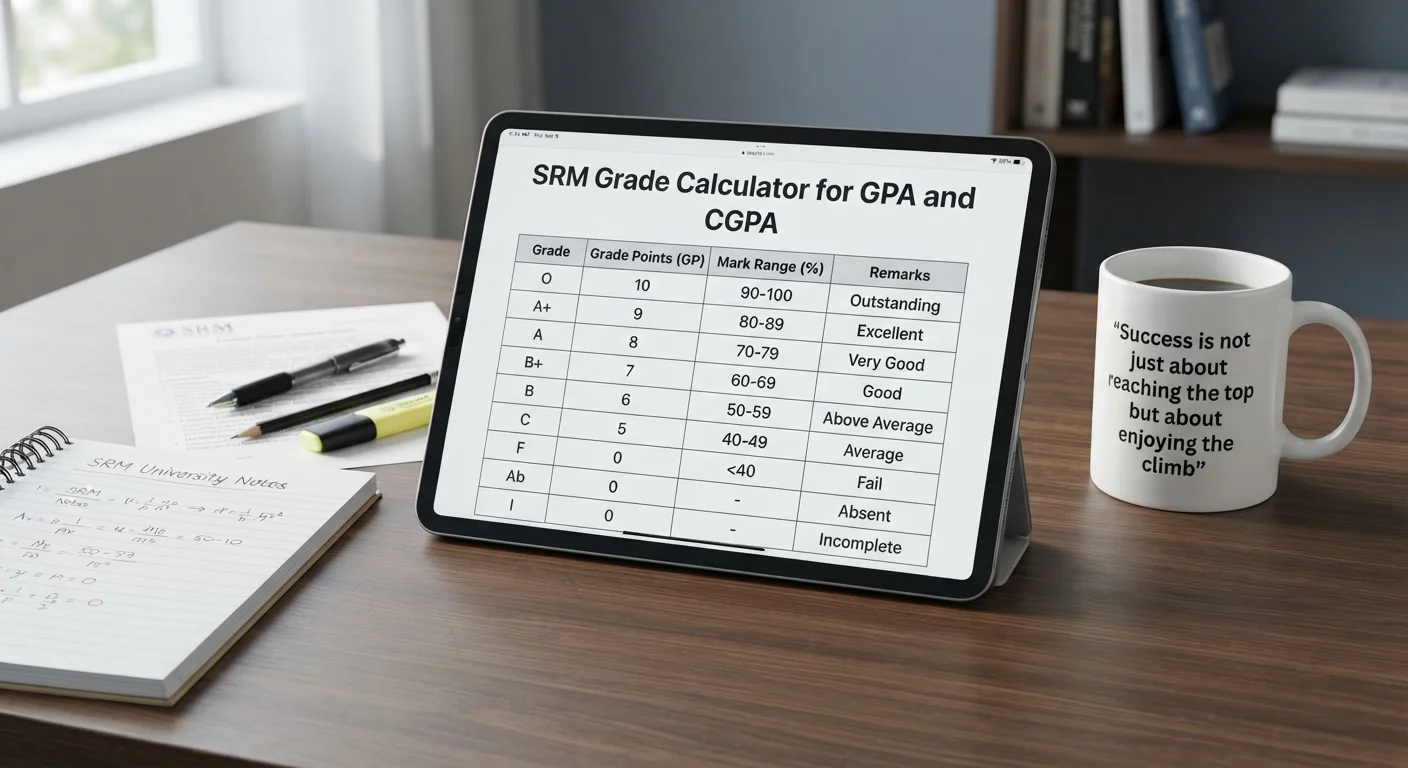
| Grade | Grade Points (GP) | Mark Range (%) | Remarks |
|---|---|---|---|
| O | 10 | 91 – 100 | Excellent Performance |
| A+ | 9 | 81 – 90 | Very High Achievement |
| A | 8 | 71 – 80 | Above Average |
| B+ | 7 | 61 – 70 | Good Performance |
| B | 6 | 56 – 60 | Fair |
| C | 5 | 50 – 55 | Minimum Pass |
| F | 0 | < 50 | Failure due to insufficient marks |
| Ab | 0 | — | Failure due to non-appearance |
| I | 0 | — | Failure due to insufficient attendance |
What Is the SRM CGPA Calculator?
The SRM CGPA Calculator is a free online tool that shows your performance for all semesters combined. While the GPA tool calculates your score for just one semester, this smart tool sees your whole university journey. It combines all your semester scores to provide a final number. This saves you from doing long and confusing math by hand, so you can easily see how well you are doing across your whole course.

How to Use the SRM CGPA Calculator?
Using this online smart tool is simple and shows results in a few minutes. Just follow these steps to find out your CGPA:
- Enter Your GPA: Type your GPA score for each semester.
- Enter Your Credits: Select the total credits for that semester.
- Add More Semesters: Tap the Add a Semester button to add more rows to your list.
- Get Your Score: Click the “Calculate CGPA” button to check your final CGPA quickly.
How Is SRM CGPA Calculated?
Finding your total CGPA score is very simple! The tool uses simple math to turn all your semester grades into a final score. You do not have to do any hard counting by hand because the calculator does all the work for you.
SRM CGPA Formula
The math is very simple:
CGPA = Total Grade Points ÷ Total Credits
- Total Grade Points: This is your semester GPA multiplied by credits for all semesters, added together.
- Total Credits: These are the value points for all your semesters added together.
Example of CGPA Calculation
Let’s see how this digital tool calculates your score using your semester numbers:
-
Step 1: Check your GPA and credits for each semester
- Semester 1: 6.9 GPA, 20 credits
- Semester 2: 7.8 GPA, 22 credits
- Semester 3: 5.6 GPA, 25 credits
-
Step 2: Multiply GPA by credits for each semester
- Semester 1: 6.9 x 20 = 138 points
- Semester 2: 7.8 x 22 = 171.6 points
- Semester 3: 5.6 x 25 = 140 points
-
Step 3: Add all the points together
- 138 + 171.6 + 140 = 449.6 Total Points
-
Step 4: Add all the credits together
- 20 + 22 + 25 = 67 Total Credits
-
Step 5: Divide the points by the credits
- 449.6 ÷ 67 = 6.71
Your final CGPA score is 6.71.
SRM CGPA to Percentage Conversion
Turning your CGPA into a percentage is super easy! The math is very simple:
Percentage = CGPA x 10
For example, if your CGPA is 6.71, your math will look like this:
6.71 x 10 = 67.10%
SRM CGPA to Percentage Conversion Examples Here are a few examples of changing CGPA into a percentage:
| CGPA | Percentage |
|---|---|
| 5.69 | 56.9% |
| 6.0 | 60% |
| 7.0 | 70% |
| 7.87 | 78.7% |
| 8.0 | 80% |
| 9.0 | 90% |
GPA vs CGPA
Many students get confused between GPA and CGPA, but the difference is very simple and easy to understand:
GPA: This is your score for just one semester. It shows how well you did in your classes over a few months. Every semester, you get a fresh new score.
CGPA: This is your total score for all semesters combined. It combines all your semester grades to show how well you are doing in your whole university journey.
Quick Comparison of GPA & CGPA
Understand the key differences between GPA and CGPA at a quick glance, including how they are calculated and why both are important for your academic success:
| Feature | GPA | CGPA |
|---|---|---|
| What it means | Score for one semester | Total score for all semesters |
| Time period | Covers a few months | Covers your entire university journey |
| How often does it change | You get a fresh score every semester | It updates by mixing your new grades with your old ones |
Conclusion
Keeping track of your university scores is no longer stressful or boring. Whether you want to check your grades for a semester or look at your whole progress, these free tools make it all really easy. You do not have to do any hard math because the SRM GPA and CGPA show your final score quickly. This helps you save a lot of time and always know how well you are doing in university!
Frequently Asked Questions About SRM GPA and CGPA
What is the formula to calculate SRM GPA?
The formula is very simple: GPA = Total Grade Points ÷ Total Credits. The tool turns your grades into numbers and does this math for you.
What is the difference between GPA and CGPA?
GPA is your score for just one semester (a few months). CGPA is your total score for all semesters combined (your whole college journey).
How can I convert SRM CGPA to percentage?
To find your percentage, just multiply your CGPA by 10. The simple formula is: Percentage = CGPA x 10.
What is a 9.5 CGPA in percentage?
A 9.5 CGPA is equal to 95%. You get this number by multiplying your score by 10 (9.5 x 10 = 95%).
What is a good GPA in SRM?
A GPA of 8.0 or higher is considered very good at SRM University. It shows you are doing a great job in your classes.
What is a good CGPA at SRM?
A total CGPA of 8.0 or above is great. Keeping your score here helps you pass easily and get good opportunities later.